The AI chatbot is currently being introduced to specific users in selected countries where the app language is set to English.
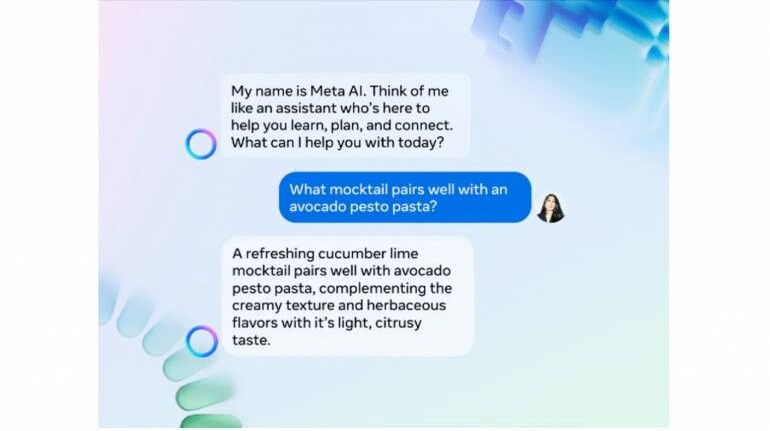
Meta, the parent company overseeing popular platforms like WhatsApp and Instagram, has initiated a trial of its Meta artificial intelligence (AI) features within WhatsApp in India. In this pilot phase, certain users are gaining access to Meta AI directly through the search boxes on both platforms, streamlining their interaction with AI-driven recommendations and prompts.
Here's how to leverage Meta AI on WhatsApp:
1. Open WhatsApp and locate the Meta AI icon positioned at the bottom right corner of the screen.
2. Tap on the icon to activate the Meta AI chatbox.
3. Engage with the AI-powered chatbot by asking questions, generating images, or discussing interests.
For Instagram users, the process is slightly different:
1. Ensure your Instagram app is up-to-date by downloading the latest version from the Play Store or App Store.
2. Launch the app and find the search button at the bottom of the screen.
3. Tap on the search button to access the feature.
4. Once activated, you'll notice a 'Blue Ring' around the search bar, indicating Meta AI functionality. Proceed to type your queries or use voice input.
The Meta AI chatbot on WhatsApp presents a "Blue Ring" icon in the bottom right corner upon opening the app. This icon grants users entry to a dedicated window where they can type or record queries using voice input.
Presently, this AI chatbot rollout is targeted at specific users in selected countries where English serves as the primary language within the app.
It's important to note that users retain the freedom to use WhatsApp conventionally, without engaging with the Meta AI chatbot. They can still perform routine tasks like searching within their conversations for specific messages, media, or contacts.
This introduction of Meta AI reflects Meta's ongoing efforts to enhance user experiences across its platforms by integrating AI-driven functionalities directly into the user interface.


